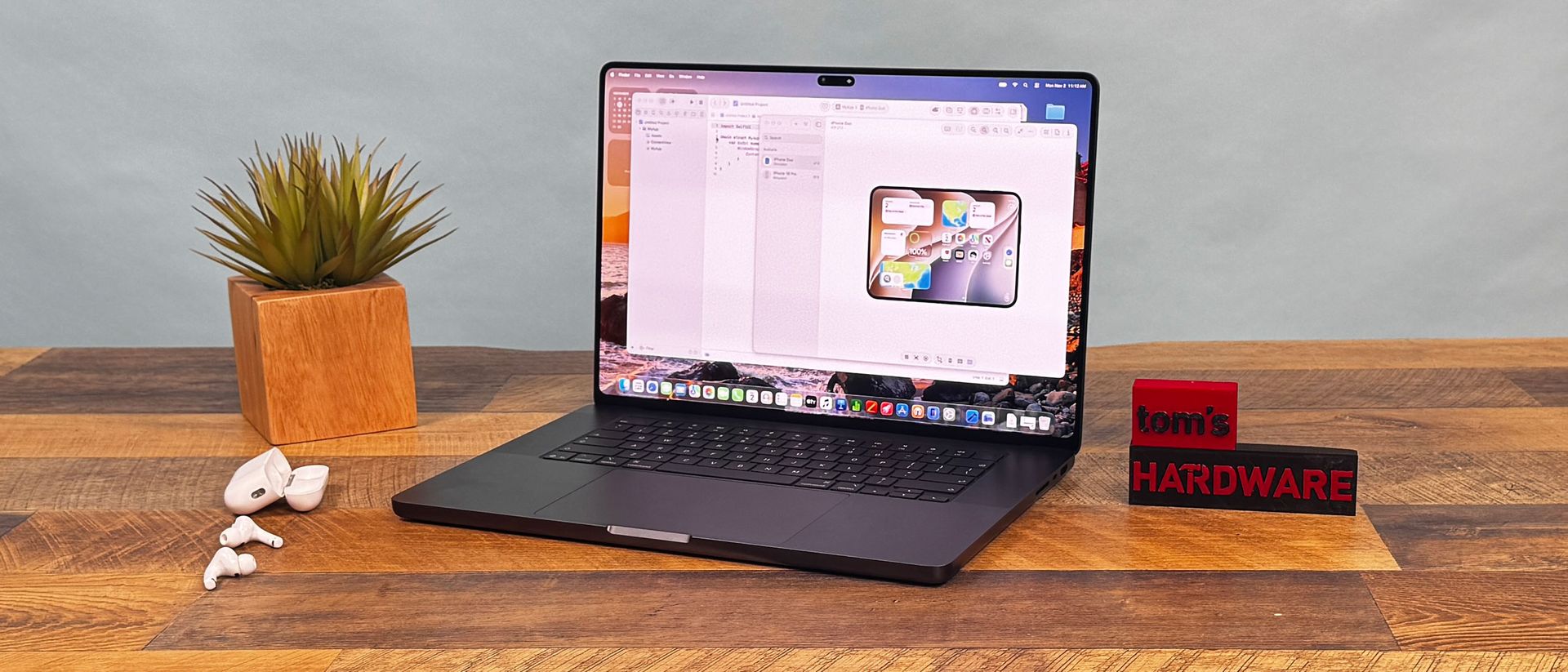
Apple Support: ‘About the Illuminated Apple Logo on MacBook Pro With PROLED XDR Display’
Apple Support: To make the Apple logo dark in all lighting conditions, you can turn off its illumination using Terminal, which is in the Utilities folder of your Applications folder. You can also use Spotlight to find and open it. Type or paste this command…
Adjust this page to suit you. Your choices are saved in this browser.
Cookies. Chipokia uses one cookie, and only if you allow it: a random ID so your up and down votes stay yours. No analytics, no advertising, no tracking of any kind. Privacy & Cookie Policy.