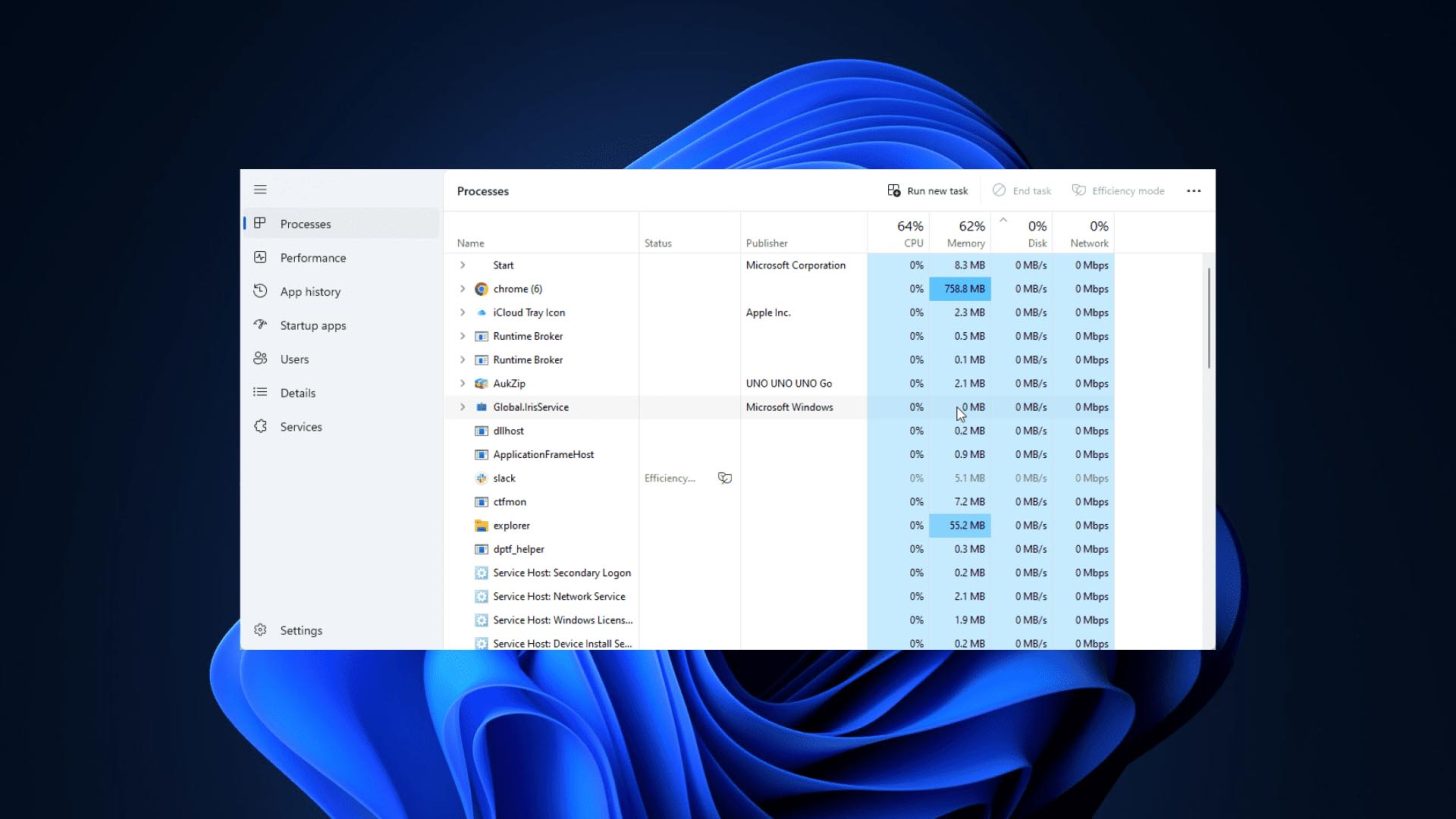
How to close frozen apps in Windows 11 without opening Task Manager
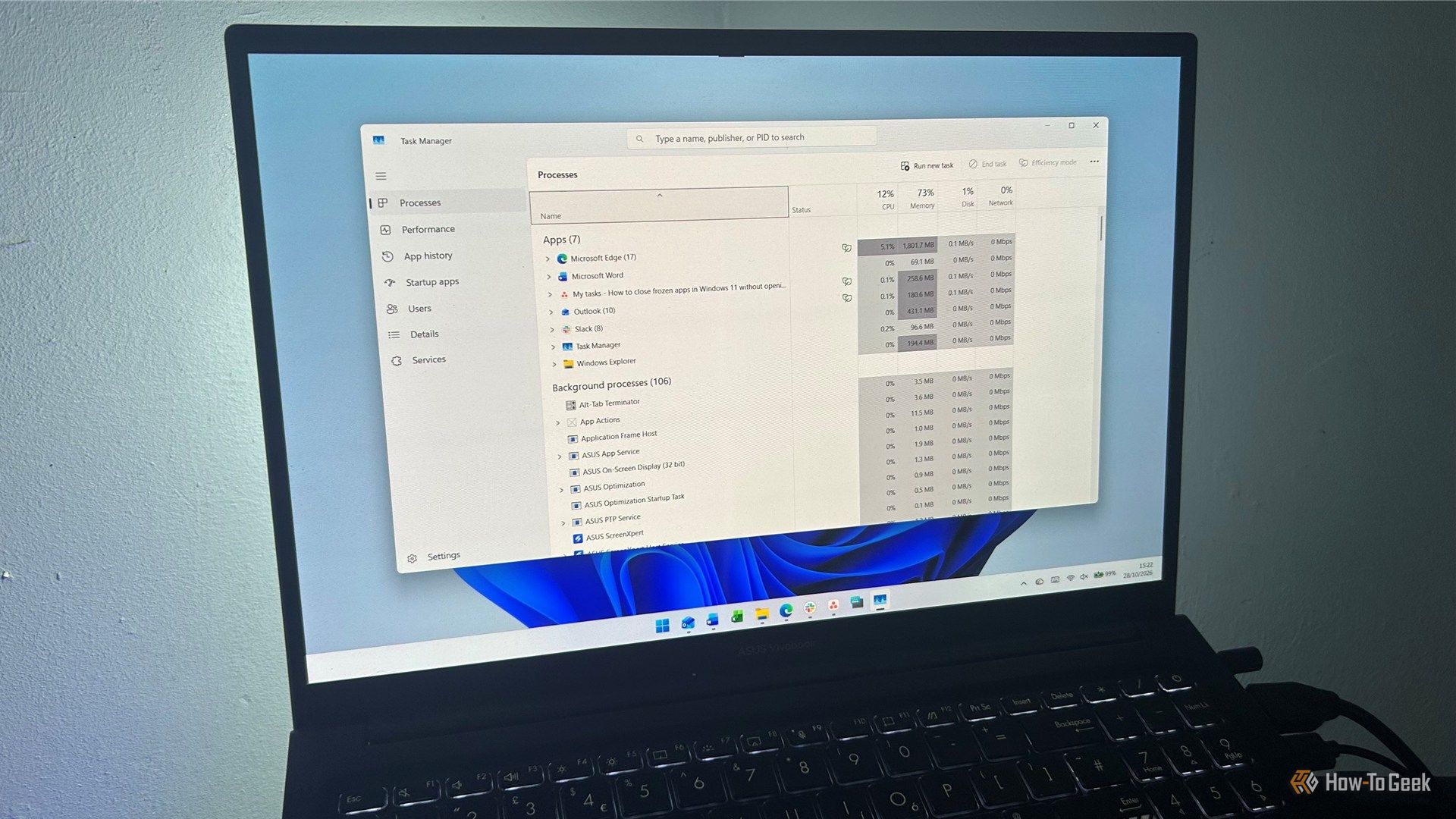
Skip Task Manager, enable a hidden Windows setting, and force-close frozen apps directly from the taskbar.
Preview courtesy of How-To Geek. The full article opens on their site.
Skip Task Manager, enable a hidden Windows setting, and force-close frozen apps directly from the taskbar.
Preview courtesy of How-To Geek. The full article opens on their site.
Adjust this page to suit you. Your choices are saved in this browser.
Cookies. Chipokia uses one cookie, and only if you allow it: a random ID so your up and down votes stay yours. No analytics, no advertising, no tracking of any kind. Privacy & Cookie Policy.