← All stories
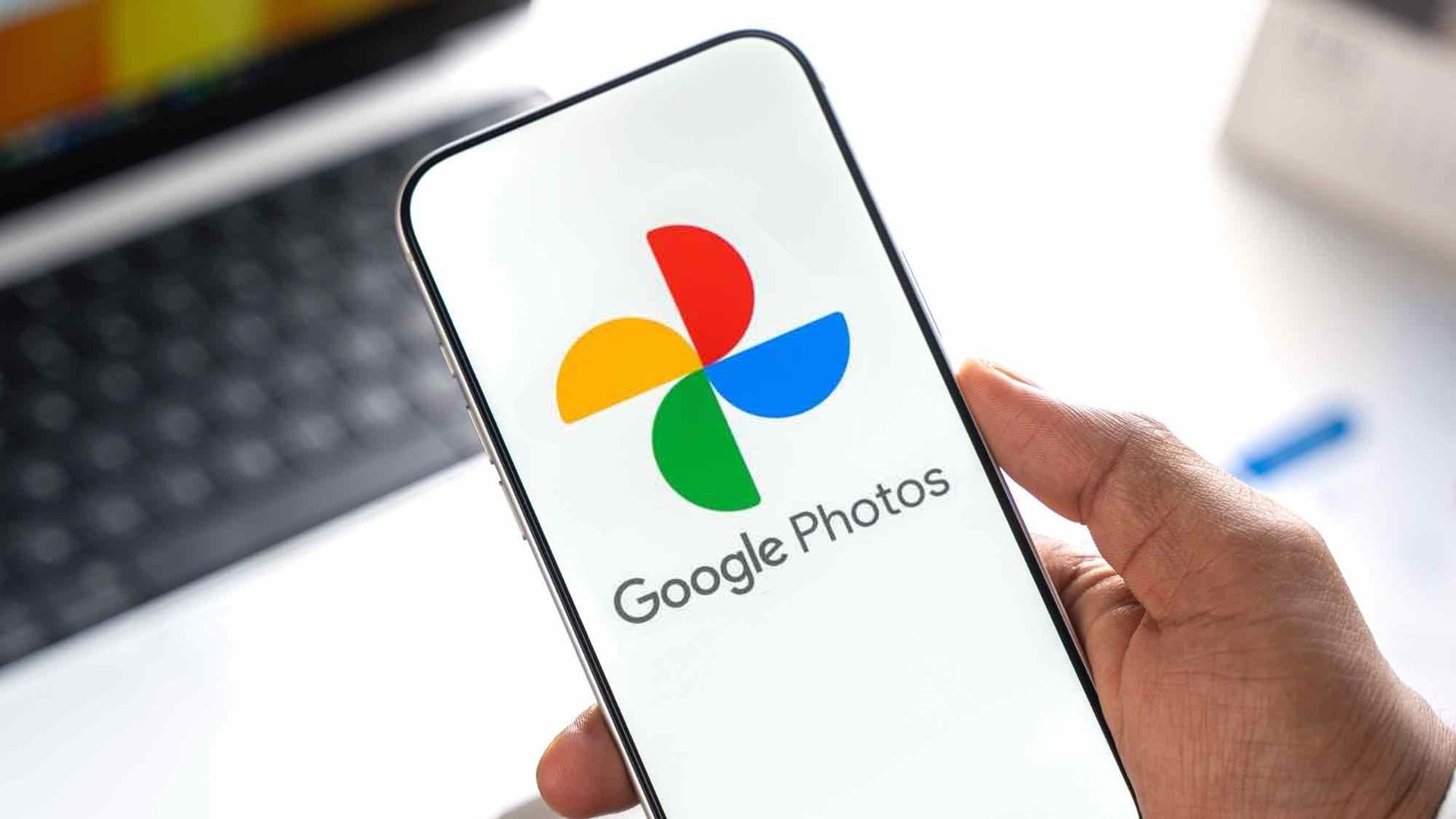
Google Photos now lets you pixelate sensitive info with a single swipe — here’s how
Google Photos has added a smart new privacy tool. Here is how to use the Redact pen to blur out sensitive text and account details on Android devices.
Preview courtesy of Tom's Guide . The full article opens on their site.
Disclaimer. Chipokia is an independent, free news aggregator. Chipokia is not affiliated with, endorsed by, sponsored by, or otherwise connected to any of the publications, news sources, companies, products, or brands mentioned or linked on this site. All headlines, summaries, images, and trademarks belong to their respective owners and are shown only as a short preview with a credit and a direct link to the original article. Please visit the original source for the full story. Vote counts reflect Chipokia visitors only and are not an endorsement by Chipokia.
Stories refresh automatically every hour from 101 sources . © 2026 Chipokia.
Adjust this page to suit you. Your choices are saved in this browser.
Larger text High contrast Underline links Readable font Reset all
Cookies. Chipokia uses one cookie, and only if you allow it: a random ID so your up and down votes stay yours. No analytics, no advertising, no tracking of any kind. Cookie & Privacy Policy .
Decline Allow